Restaurant ePOS System
Run your restaurant floor with precision. Visual table management, course firing, split bills, waiter pads, and pay-at-table — everything your front-of-house and kitchen need to deliver a seamless dining experience.
- Visual floor plan with live table status
- Course firing to the kitchen
- Full POS from £499 + VAT
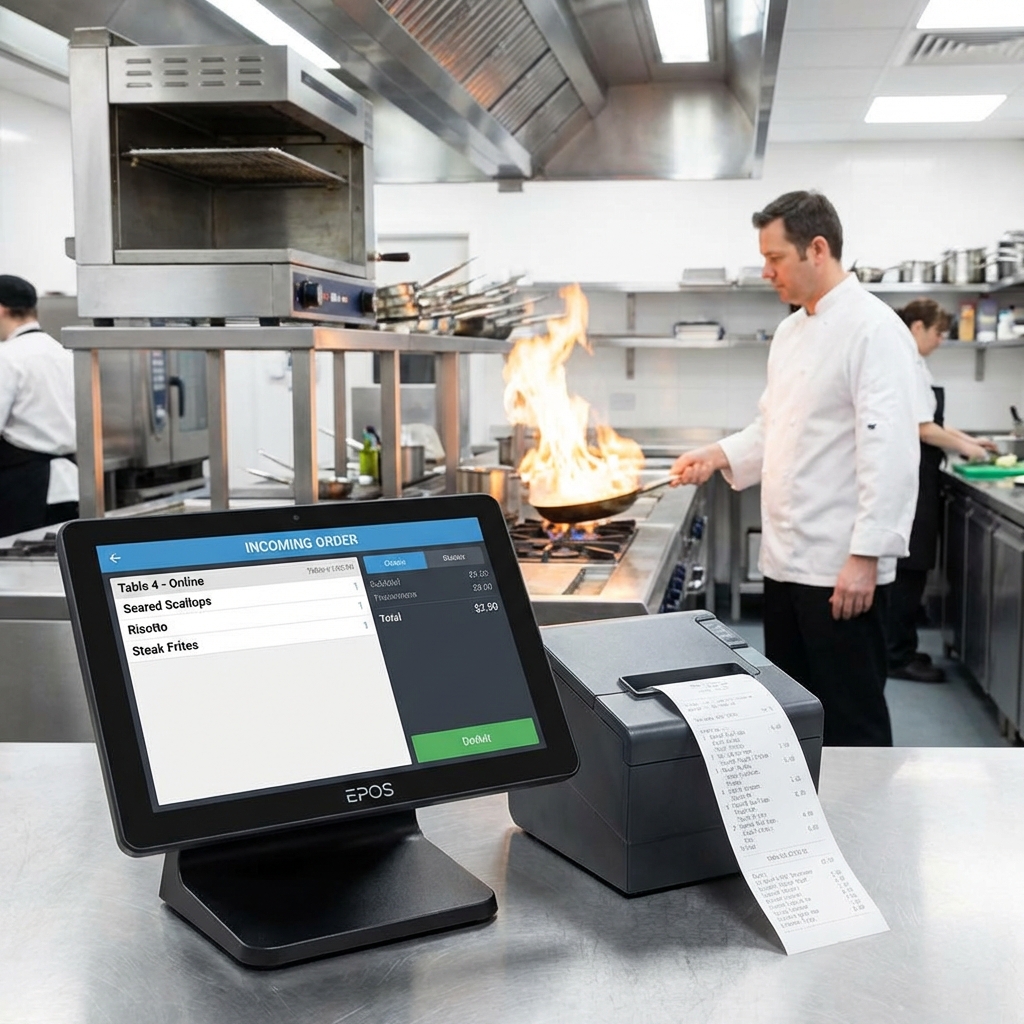
Dine-In Features That Keep Service Flowing
From the moment a guest sits down to the final card tap, every step is managed through one system.
Visual Floor Plan
Drag-and-drop floor plan builder. See every table's status at a glance — available, occupied, ordering, waiting for food, or ready for bill.
Course Firing
Fire starters, mains, and desserts to the kitchen at the right time. Your kitchen gets the next course only when the previous one is cleared.
Split Bills
Split by item, by seat, by equal share, or by custom amount. Guests pay their share individually — no calculator needed.
Waiter Pad App
Waiters take orders tableside on a tablet or phone. Orders go straight to the kitchen display. No trips back to the terminal.
Tab Management
Open tabs for bar guests and diners. Add items throughout the evening and settle the full tab at the end with card or cash.
Pay-at-Table
Bring the card terminal to the table. Guests tap to pay without leaving their seat. Tips can be added directly on the terminal.
Why Restaurants Choose Posso ePOS
A restaurant ePOS should make service faster and smoother, not slower. Here is what Posso delivers.
Faster Table Turns
Real-time table tracking and instant order sending mean less waiting. Restaurants using Posso report 15-20% faster table turns during peak service.
Kitchen Coordination
Course firing ensures your kitchen never gets overwhelmed. Starters, mains, and desserts arrive in the correct sequence without verbal coordination.
Revenue Insights
Track covers per hour, average spend per head, best-selling dishes, and server performance. Make data-driven decisions about your menu and staffing.
Table Ordering App
Let guests scan a QR code and order from their phone. Orders go to the kitchen automatically — ideal for busy service or staff shortages.
How a Table Service Flows
Seat Guests
Tap a table on the floor plan to open it. Assign a server.
Take Orders
Waiter pad or terminal. Orders fire to the kitchen display.
Course Firing
Fire each course when guests are ready. Kitchen stays in sync.
Bill & Pay
Split bills any way. Pay at the table or at the counter.
Restaurant ePOS — Frequently Asked Questions
Get Your Free ePOS Demo Today
See how Posso can transform your restaurant or venue. Book a free, no-obligation consultation with our team and get a personalised demo of our ePOS systems, self-order kiosks, and more.
Free call — available Monday to Friday, 9am–5:30pm. Or email us anytime at info@posso.co.uk